JoyJar on iPhone Duo
A gratitude jar made for both screens
JoyJar is a gratitude jar app for iPhone and Android, made for iPhone Duo too. Closed, the Duo runs it as a phone app. Open the Duo, and JoyJar spreads across both halves.
Android is coming later.
Closed and open
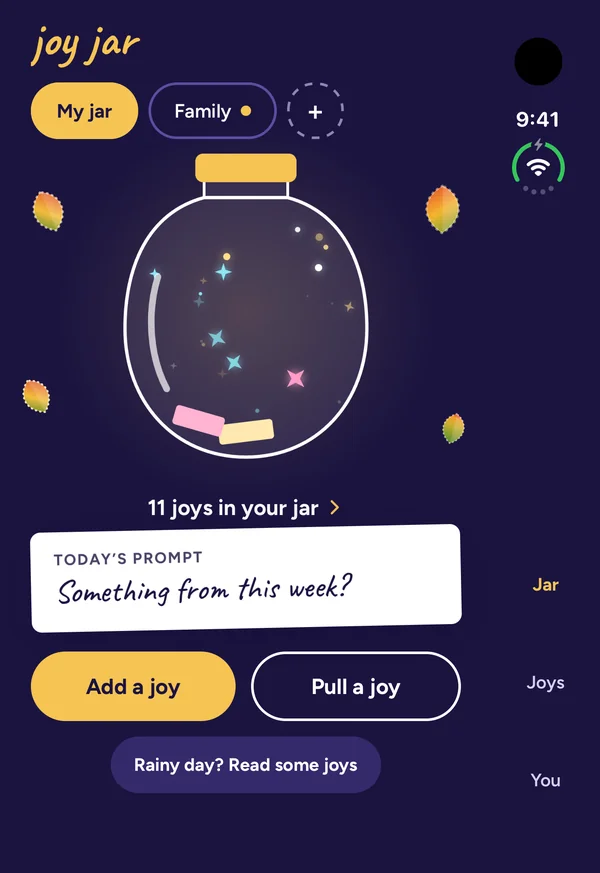
Closed: the phone app, with Jar, Joys and You down the right edge.
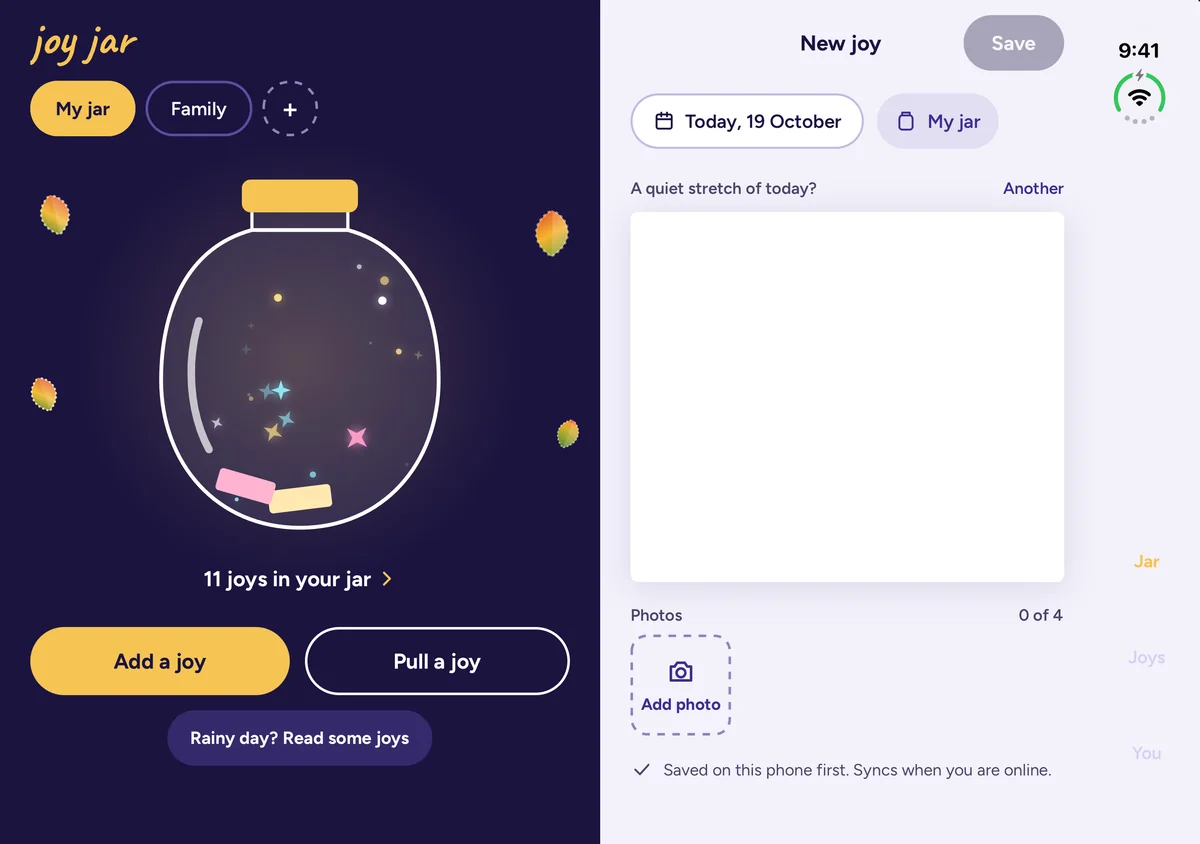
Open: the jar on one half, a page for today’s joy on the other. Once today has a joy, that half shows one from the jar.
A tour of the open Duo
Rainy day as a book
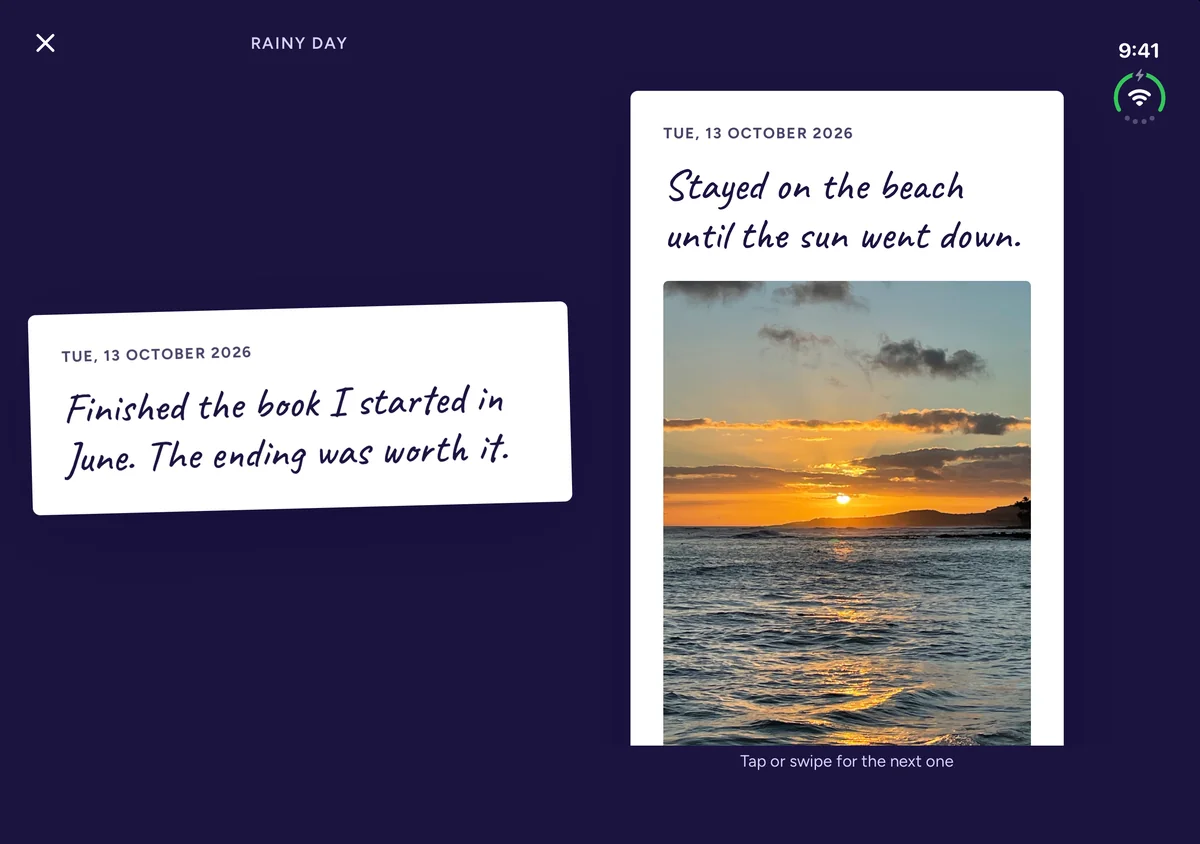
Rainy day plays your own joys back, two at a time, one on each page. Swipe to turn both pages, or tap to hold them.
The photo wall
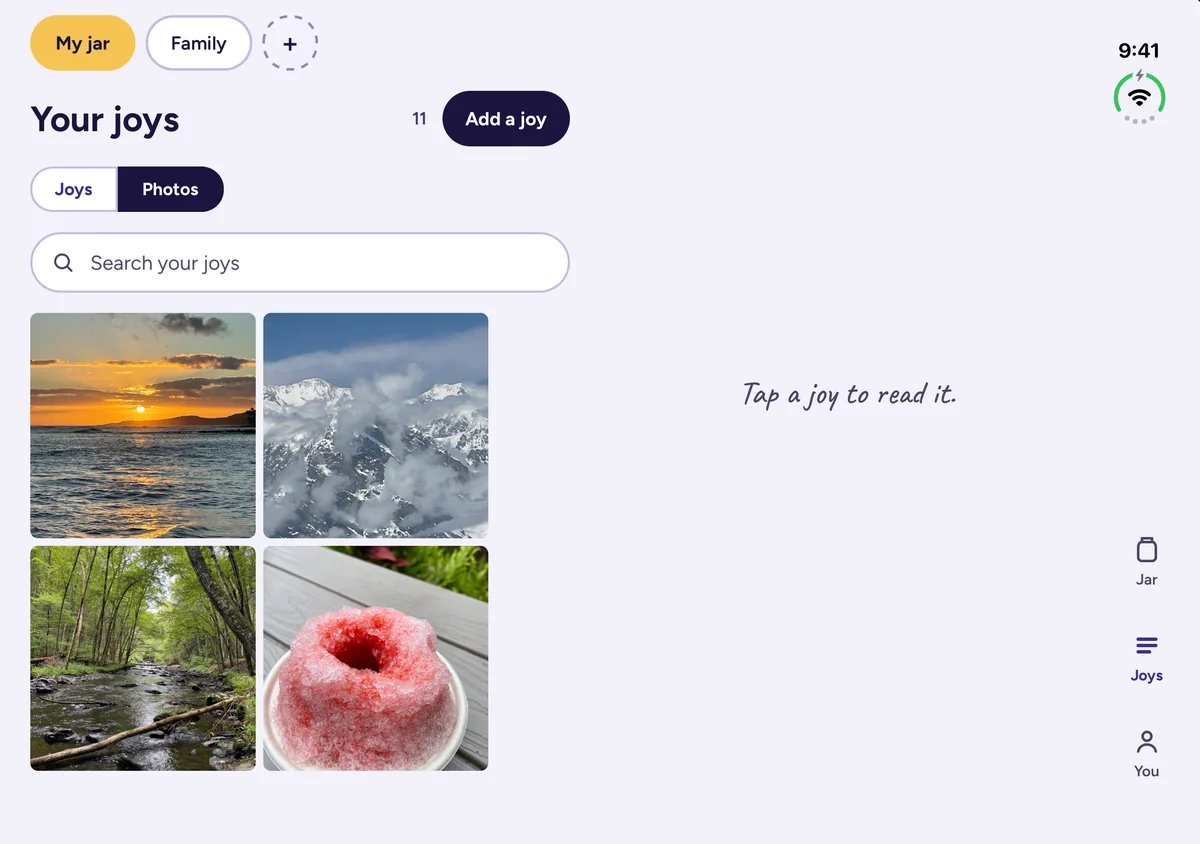
In the Joys tab, switch from Joys to Photos to see every photo in the jar. Tap one, and its joy opens on the other half.
Your joys beside the open joy
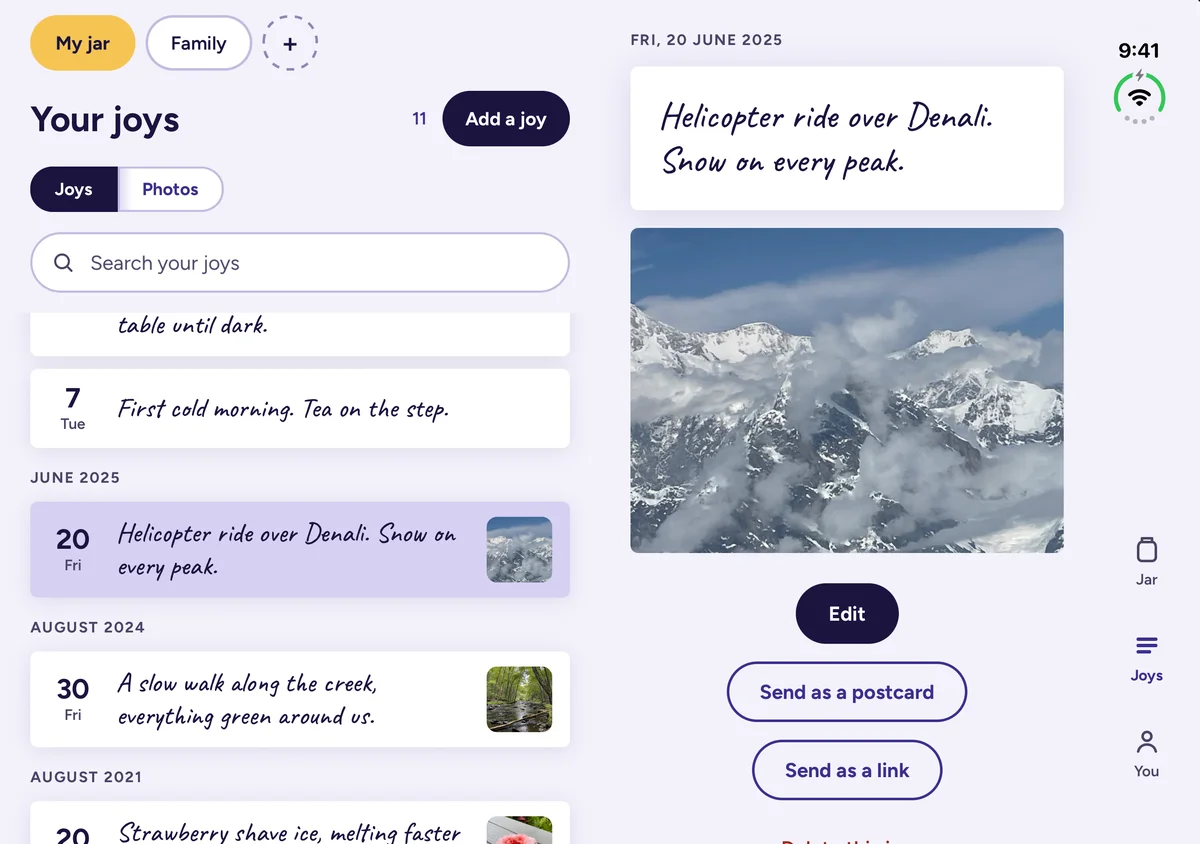
The list stays on one half. Tap a joy, and it opens on the other, with Edit and both ways to send it.
Sending a joy
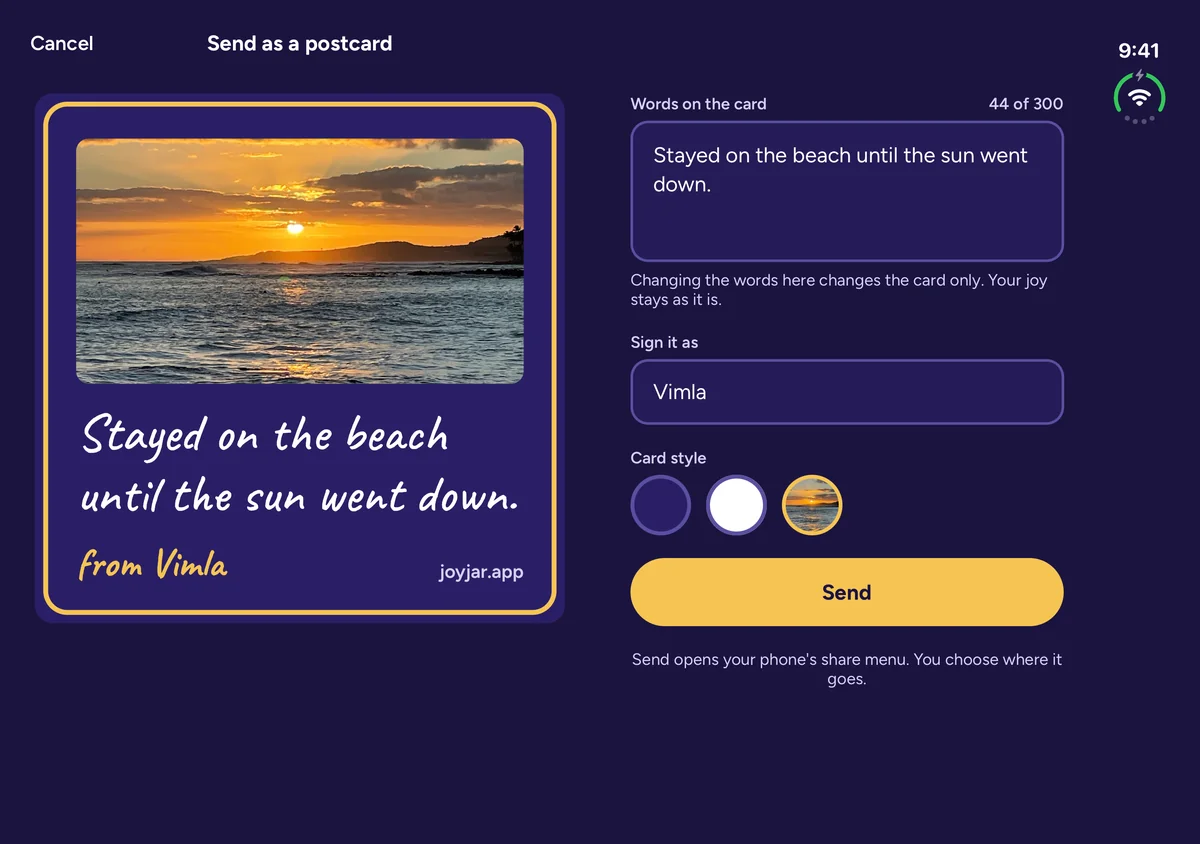
The postcard sits on one half. The words, your name, the card style and Send are on the other. A link works the same way.
What the Duo invites
Half open on a table
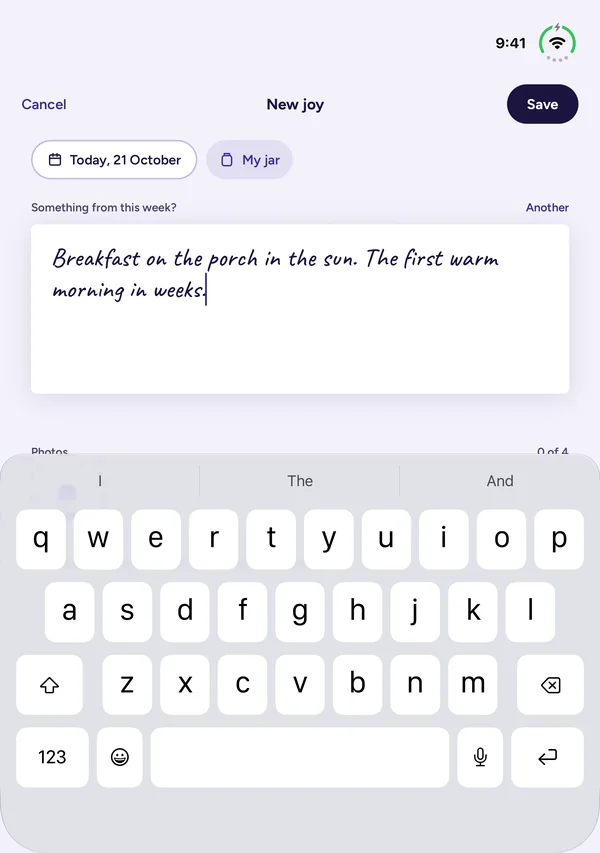
Stand the Duo half open, like a small laptop. You write on the upper half. Below the fold is the keyboard, and your photos when the keyboard is down.
Split View
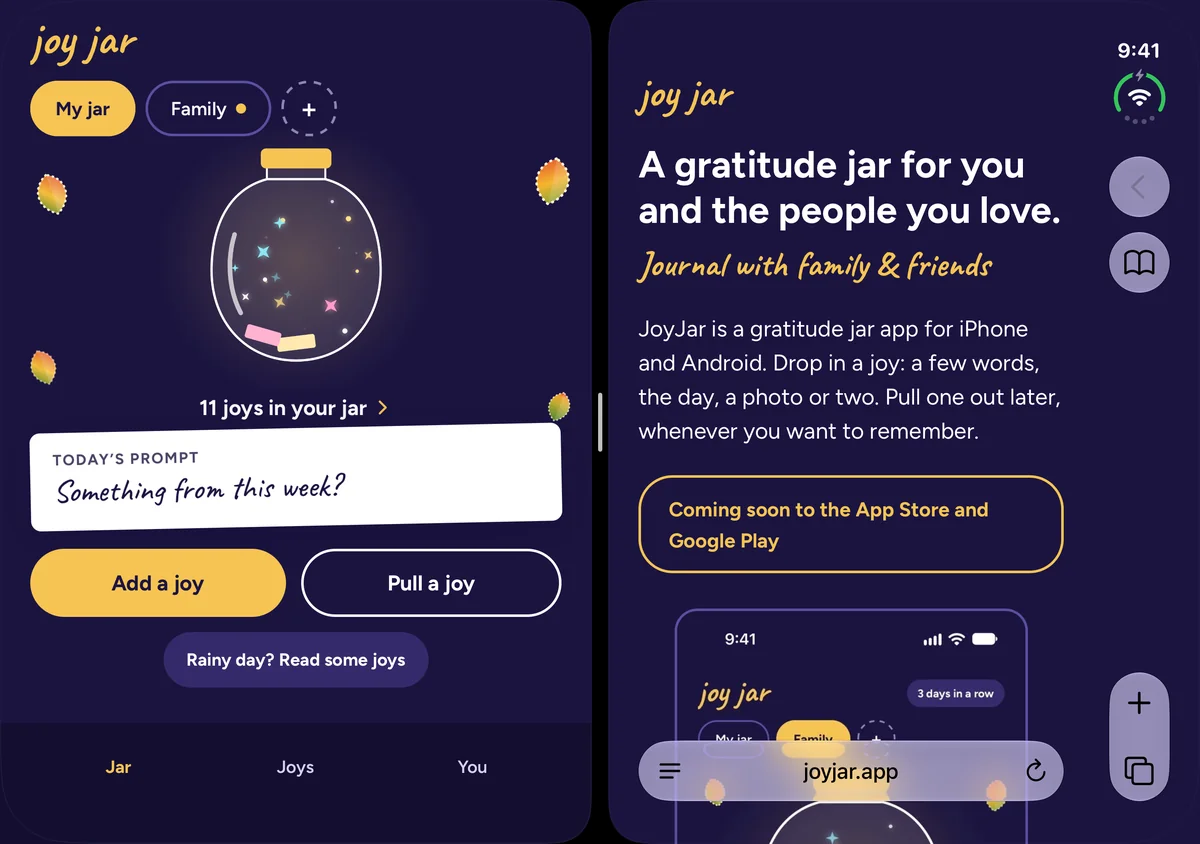
Put JoyJar beside another app. It fills its half as the phone app, and a joy you had open stays open.
Made for the Duo
Closed or open, JoyJar’s buttons stay clear of the clock column and the camera. Half open, its screens step off the fold. Close the Duo, open it or turn it, and you stay where you were, with any words you were writing.
Questions
Is JoyJar made for iPhone Duo?
Yes. Closed, it is the phone app. On the open Duo, five screens use both halves: home, Rainy day, the Joys tab, the photo wall and sending a joy. It works held wide or tall, flat or half open.
Does it cost more on the Duo?
No. It is the same app at the same price: free for 30 days, then $4.99, once. No subscription and no ads.
Can I share a jar with someone on an ordinary iPhone or Android?
Yes. A shared jar works the same on every phone, with up to 6 people in it, you included. Someone without the app can drop in a note through the jar’s guest link.
Does it work in Split View?
Yes. Beside another app, JoyJar fills its half as the phone app, and a joy you had open stays open.
Do my joys come with me from my old phone?
Yes. Sign in on the Duo the way you signed in before, and your jars, joys and photos come back.